

1 minute read
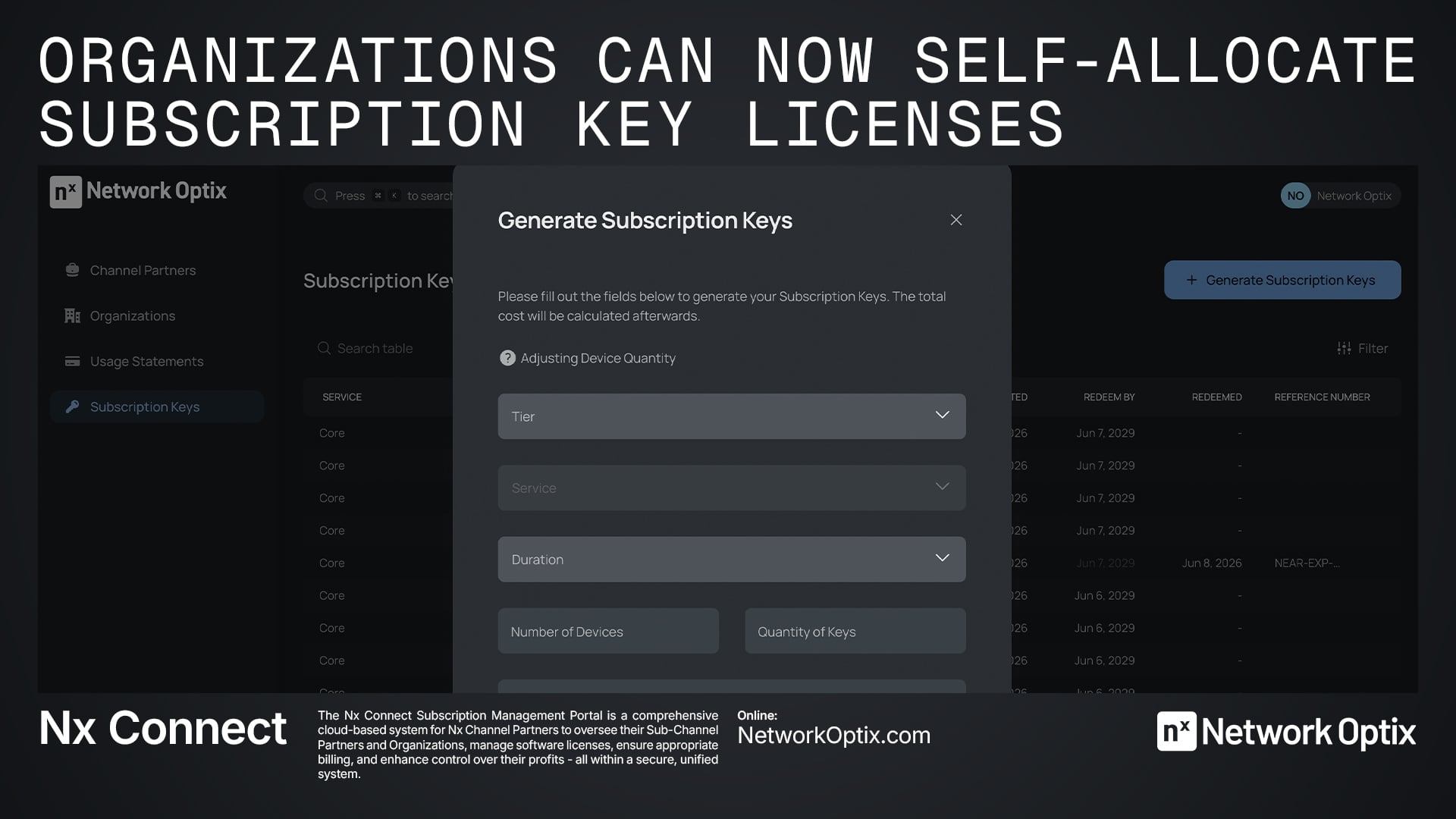
We've made a quality-of-life improvement to how subscription key licenses are managed in Nx Connect — one that gives organizations more control and reduces administrative overhead for channel partners.
What's Changed
Previously, when an organization purchased a subscription key — a one-, two-, or three-year prepaid license for a service such as a core recording license — the channel partner was responsible for allocating those licenses to the organization's specific devices after purchase.
Now, organizations can perform that allocation themselves directly through the Nx Cloud portal. Once a subscription key is purchased, organizations have the ability to assign their licenses to the devices of their choosing, without the need to coordinate with their channel partner to do so.
Why This Matters
This update benefits both sides of the relationship:
For organizations, it means faster, more accurate deployment. You know your infrastructure best — now you have the tools to act on that directly.
For channel partners, it removes a manual step from the post-sale process and reduces the risk of misallocations or back-and-forth communication.
How It Works
The process begins once an organization has purchased a subscription key from their channel partner. The channel partner then generates the key inside Nx Connect. From that point, there are two options:
Option 1 — Channel partner allocates (existing method) The channel partner applies the subscription key to the organization directly within Nx Connect, which activates the service for the duration of the purchase. The channel partner may then allocate the associated licenses to specific devices within the organization. This method remains fully supported.
Option 2 — Organization self-allocates (new) The channel partner hands off allocation responsibility to the organization. To do this, the key is either applied to the organization in Nx Connect by the channel partner, or the key is shared directly with the organization. From there, the organization follows these steps:
- Log in to the web-based Nx Cloud portal
- Navigate to your organization
- Open the Subscription Keys tab
- Activate the subscription key
- Allocate the services to your chosen devices