

4 minute read
Most camera systems do one thing well: record. Footage gets stored, reviewed when something goes wrong, and then archived. Cameras that watch, but don't think.
Nx AI Manager was designed to change that. It adds an AI inference layer to your existing Nx Witness Enterprise system, letting you run computer vision models directly on your server or compatible edge device — without rebuilding your system from scratch.
This is the second article in our Nx AI Manager series. If you're looking for an overview of what's changed and why Nx AI Manager is now available as a default integration in Nx Witness Enterprise, start there.
This article walks through what Nx AI Manager does, how deployment works, and what that looks like in a real scenario.
The Problem: Cameras That Only Record
Consider a mid-sized distribution warehouse running 24 cameras across the floor, loading docks, and a restricted equipment storage area. The system records continuously. If an incident occurs, the security team can pull footage after the fact and piece together what happened. But the cameras themselves don't flag anything in real time.
The issue is what goes unnoticed. Staff members occasionally enter the restricted storage area without authorization, and unless someone happens to be monitoring the feed at that moment, nobody catches it. The event gets recorded, but it sits in an archive — only surfacing if someone has a reason to go looking for it. By then, the window to respond has closed. Leadership wants unauthorized zone access flagged automatically, with an alert generated the moment someone enters that area outside of approved hours.
Replacing the existing cameras with AI-capable models would require swapping out hardware that's still functional and already paid for. Adding a standalone analytics platform means another vendor contract, another integration project, and ongoing overhead for a system that only solves one piece of the problem.
What leadership actually wants is straightforward: make the cameras they already have do something they currently can't.
The Solution: Nx AI Manager
Nx AI Manager is a universal AI inference pipeline that runs AI and machine learning models on live video streams. It works as a plugin included within the Nx Media Server, adding intelligence to your existing system. In many cases, this means existing cameras can be retained — though the server or host device running the inference workload will need to meet the platform's system requirements, and processing demands will vary depending on the models deployed and the number of active channels.
It works with Nx Witness Enterprise and connects to the Nx AI Cloud for model management and remote deployment.
Nx AI Manager supports a range of hardware accelerators at varying levels of maturity. Full support is currently available for CPU, Intel (via OpenVINO), and NVIDIA (CUDA and Jetson). Experimental support is in progress for accelerators including Hailo and DEEPX, with additional targets on the roadmap. The supported accelerators page has the current list and status for each.
How Deployment Works
Deploying Nx AI Manager follows a straightforward path:
- Install the platform. Nx AI Manager works with Nx Media Server 6.1.1 or higher running on a compatible host device. It now runs on both Windows and Linux.
- Enable the plugin. The Nx AI Manager plugin is included with the media server and can be enabled per device through the Nx Desktop Client. Once active, it connects to the inference runtime and Nx Cloud.
- Select a model. Models are available in the Nx AI Manager model library for immediate testing. These include common detection tasks like person detection and object classification.
- Assign it to a camera. Once the plugin is active, models can be assigned to individual camera streams directly within the Nx Desktop Client.
- Configure your rules. Detection events flow into the Nx rules engine, where automated actions — alerts, recording triggers, notifications — can be configured based on AI model output.
For the warehouse scenario, the team enables Nx AI Manager on their existing server. They assign a person detection model to the restricted area camera and configure a rule to send an alert the moment a person is detected in that zone during off hours. No new cameras. No third-party platform. The system they already had starts doing something it couldn't before.
What the Model Library Allows You to Test
One of the more practical aspects of Nx AI Manager for new users is the availability of off-the-shelf models in the model library. These let teams evaluate capability and test workflows without needing to bring a custom model on day one.
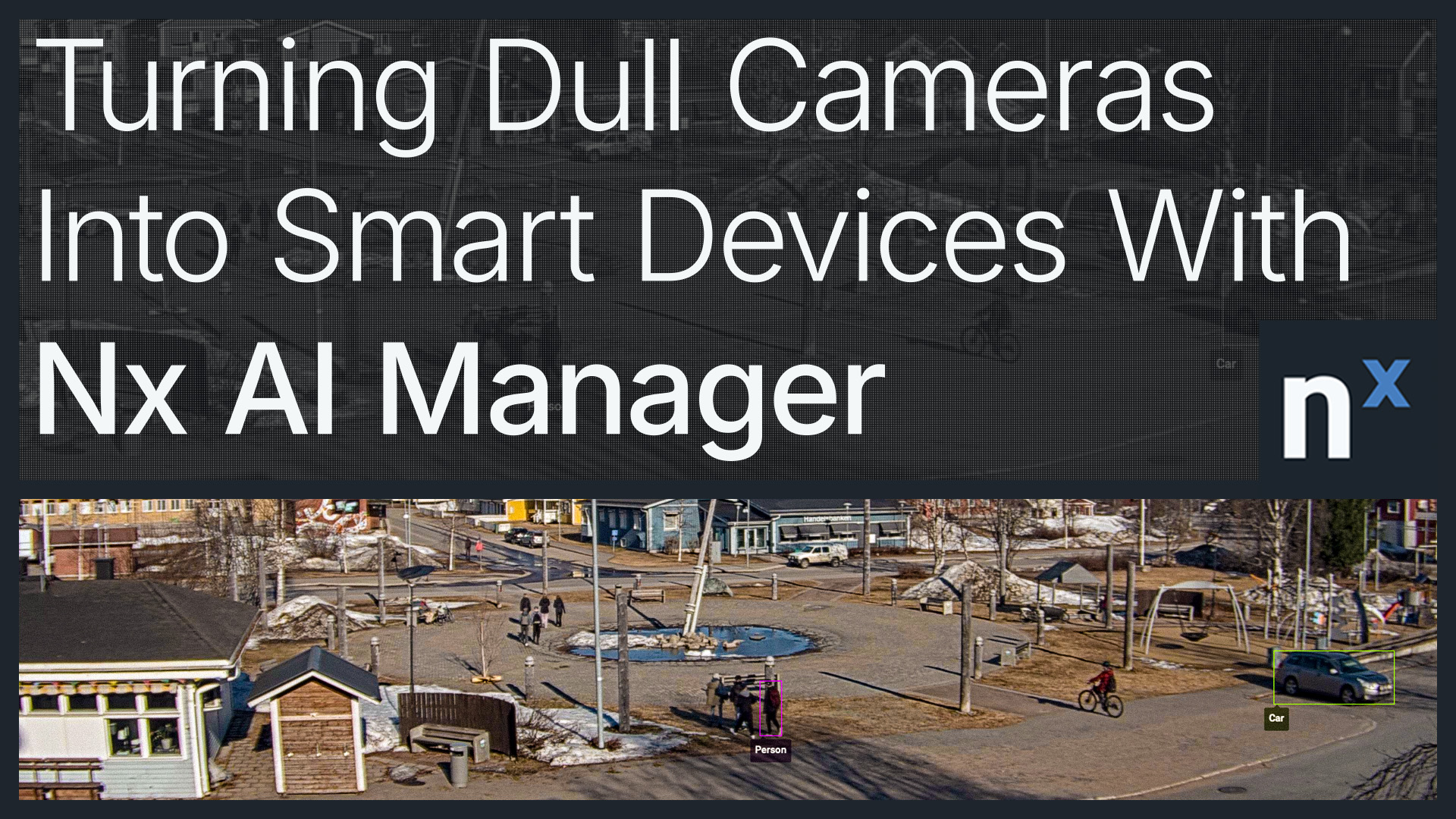
Available models support common detection tasks including person and vehicle detection and object classification. These outputs feed directly into the Nx rules engine, meaning even a basic test deployment can produce functional, automated responses from day one.
Beyond a Single Camera: Fleet Deployment and Management
The warehouse example is a single camera running a single model to solve a specific access control gap. That's a valid deployment, but it's the entry point, not the ceiling.
Once the foundation is in place, the same pipeline can scale across an organization. Pipelines can be configured per device and then cloned across multiple cameras or sites, making it practical to roll out a standardized AI configuration at scale. Devices can be grouped and managed through Nx AI Cloud, and models can be updated remotely across an entire fleet without touching individual servers.
For organizations that want to go further — running custom-trained models, chaining multiple models in a single pipeline, or building external processing logic — that's covered in Beyond Detection: Advanced Use Cases for Nx AI Manager.
Frequently Asked Questions
What models are available out of the box? The model library includes off-the-shelf models covering common detection scenarios such as person detection, vehicle detection, and object classification.
How is Nx AI Manager licensed? Nx AI Manager is available as a per-channel add-on service for Nx Witness Enterprise. Services are managed through Nx Connect, the same portal used for subscription and license management. It is not available on Nx Witness Pro. Existing Pro licenses can be converted to Enterprise with a credit toward subscription duration — contact your channel partner for details.
Does Nx AI Manager require cloud connectivity? Nx Cloud is used for model management and remote device administration. The inference itself runs locally on the server or host device where the plugin is installed.
What hardware accelerators are supported? Full support is available for CPU, Intel (OpenVINO), and NVIDIA (CUDA and Jetson). Experimental support is available for Hailo and DEEPX, with additional targets on the roadmap. See the supported accelerators page for current status.
What operating systems does Nx AI Manager run on? Nx AI Manager runs on both Windows and Linux, as well as ARM-based devices including NVIDIA Jetson.
How do detection events get used in the system? Events generated by Nx AI Manager feed into the Nx rules engine, where they can trigger alerts, automated recording, notifications, or custom workflows.
To learn more about Nx AI Manager, visit the product page or talk to our team.